
Digital marketing operating system
The digital marketing OS.
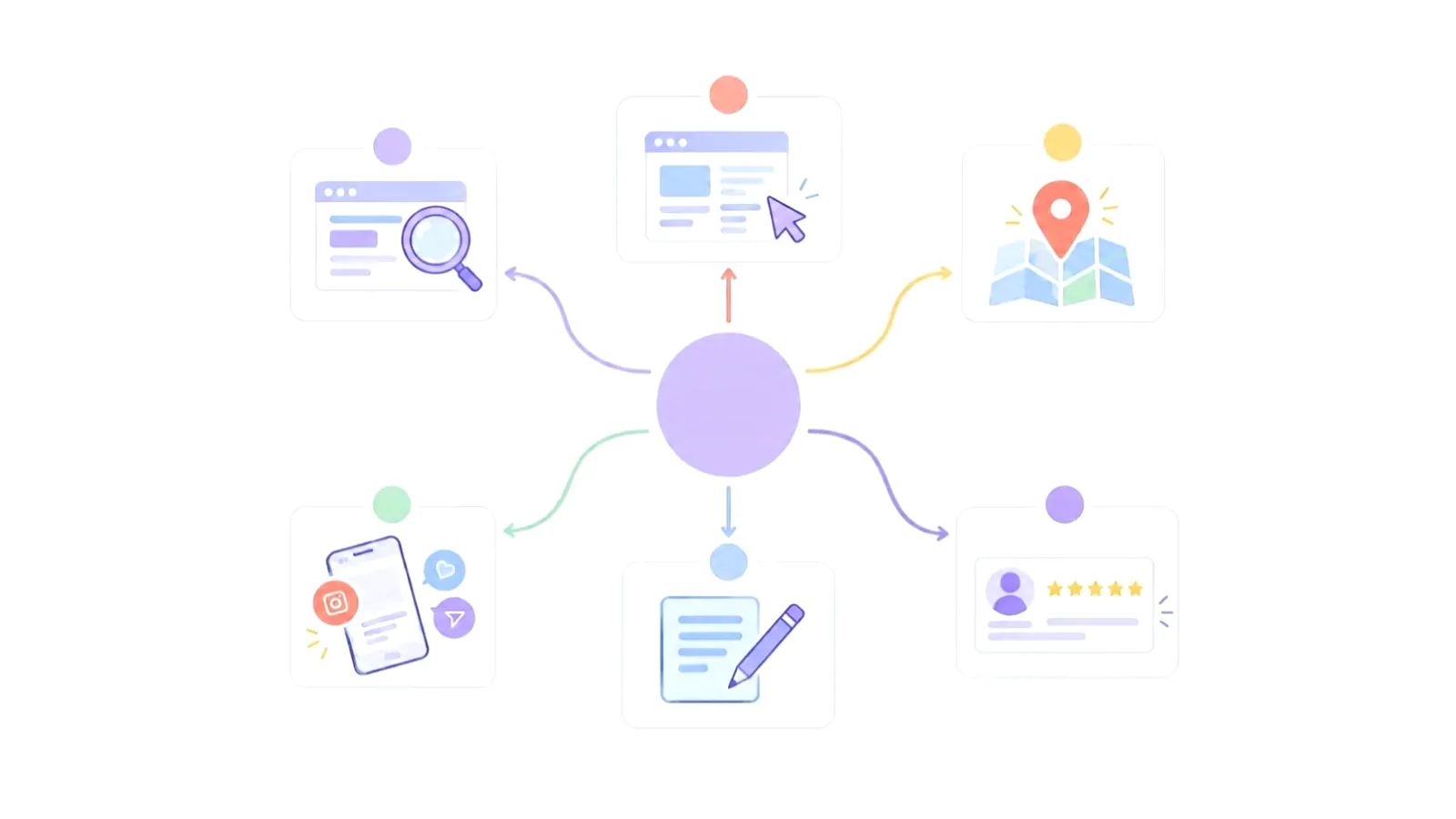
Strategy, delivery, conversations, approvals, CRM and reporting—connected in one operating view, with people deciding what moves.
The whole system.
One view.
Quixo AuditOpen
Find the signal
Quixo Audit
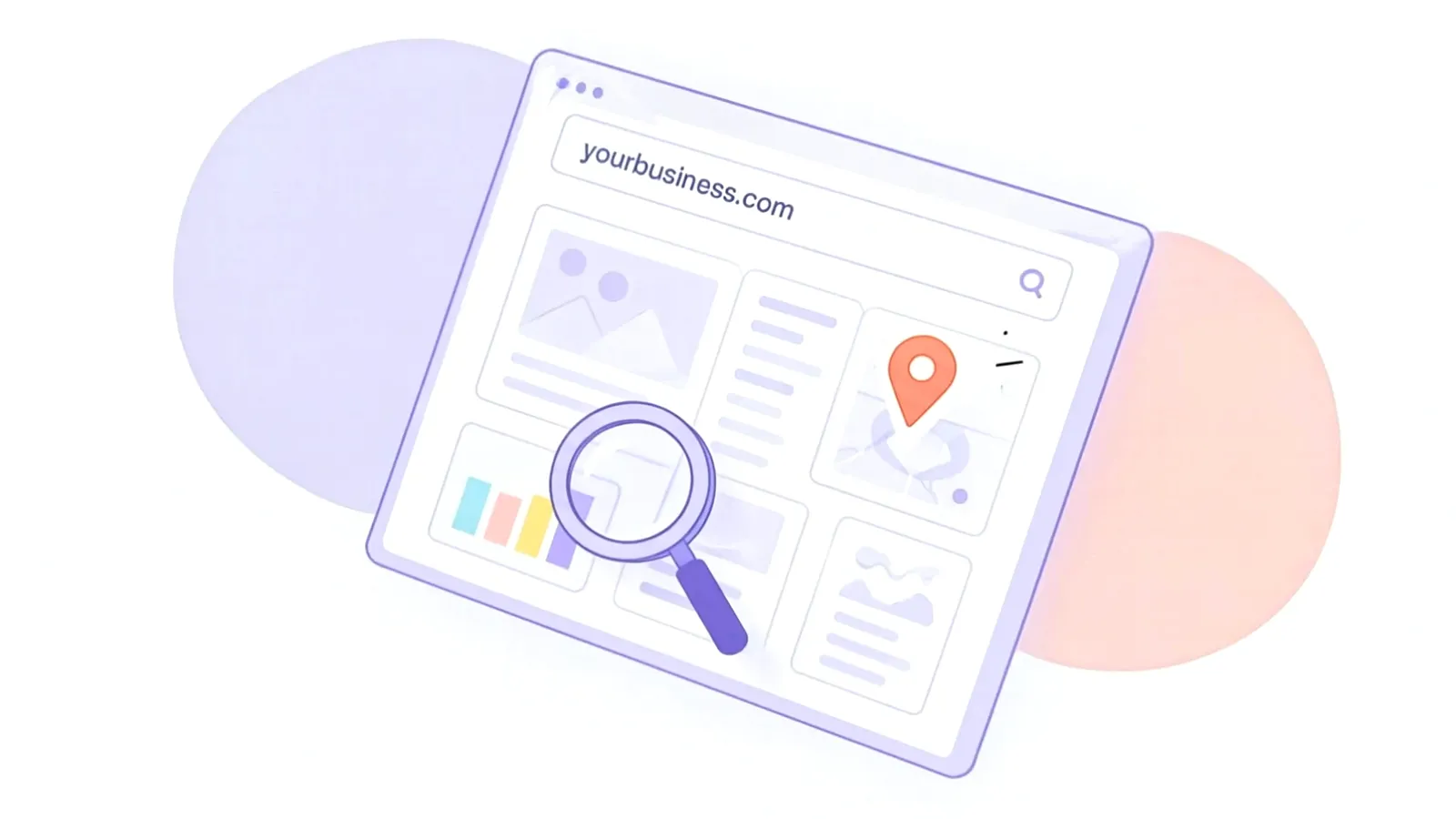
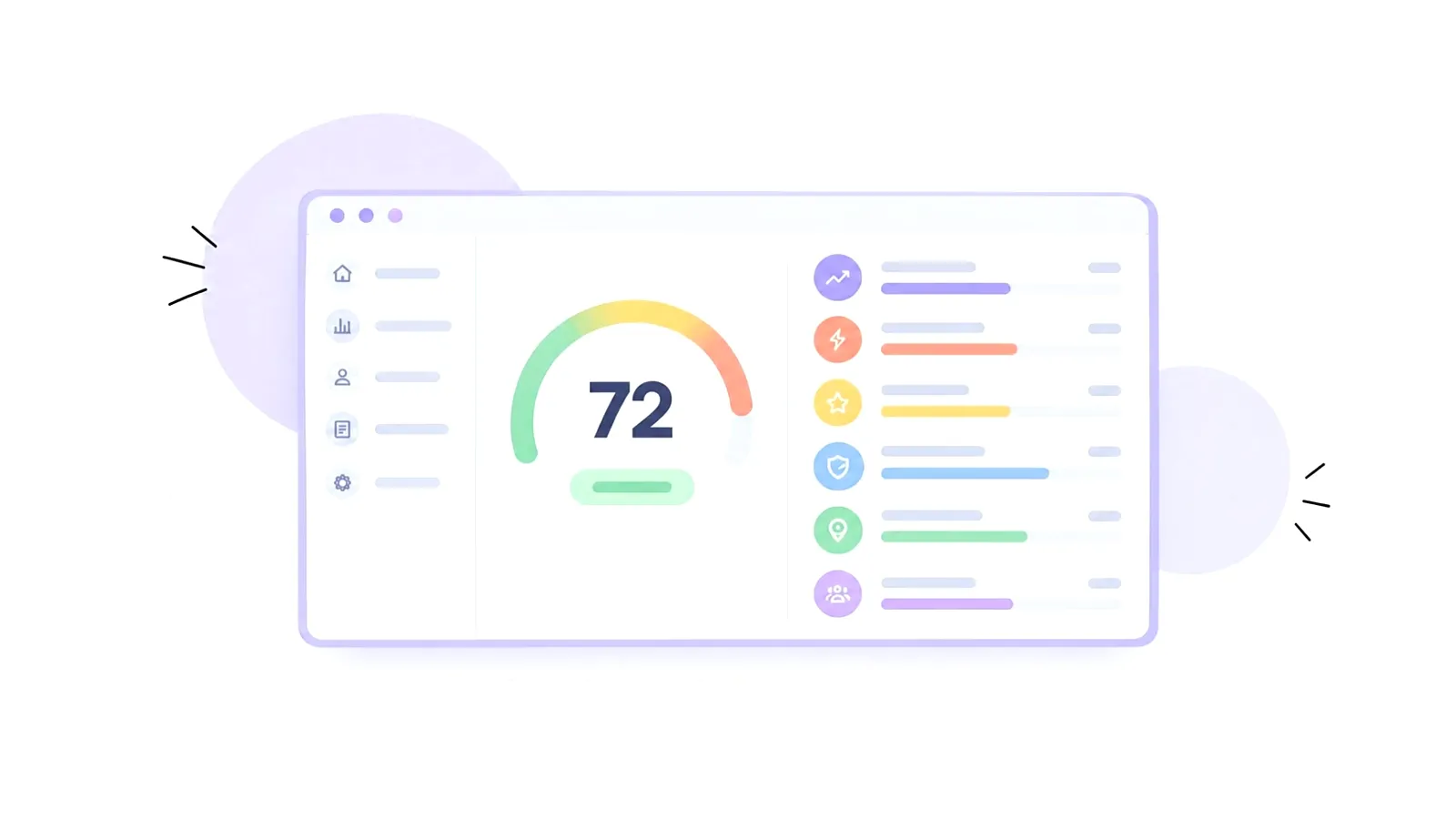
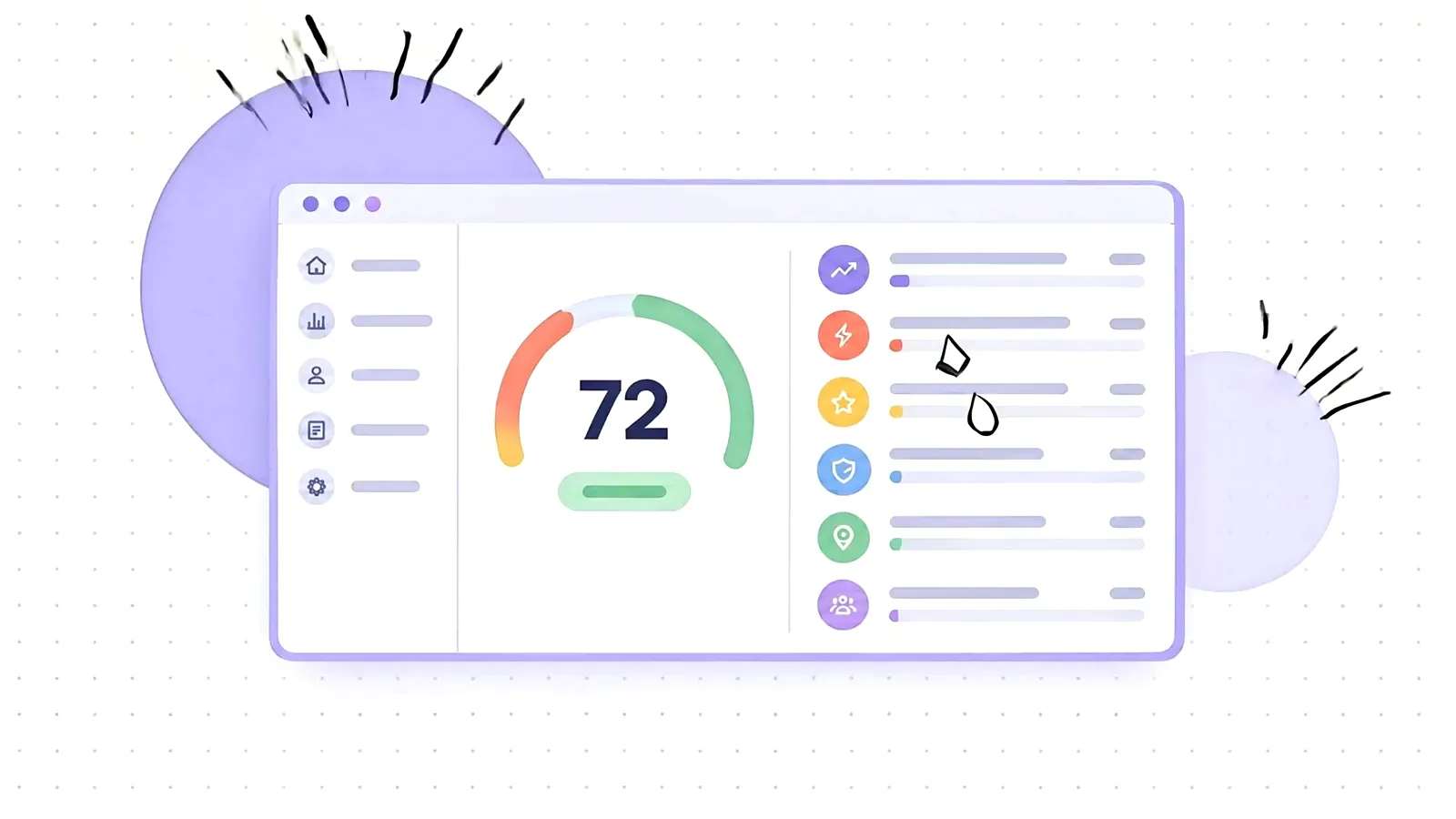
A public-website review that highlights what is working and the priorities worth addressing next.
- Built from your public website. Private ad, sales or visitor data is included only if you choose to connect accounts after payment (optional, read-only).
- AI-assistant readability checks
- Unavailable information is clearly marked, not guessed
AI + ApprovalsOpen
Keep control
AI + Approvals
AI prepares the work while people keep the final say. Drafting, approval and execution remain separate steps inside one queue.
- Central approval queue
- Separate draft, approve and execute permissions
- Mobile approval links and reminders
WhatsApp AIOpen
Stay responsive
WhatsApp AI
A shared WhatsApp workspace where AI can draft replies and a person can take over, hand back or stop a conversation flow.
- Shared team inbox with AI drafts
- Human takeover and hand-back
- Consent-aware campaigns and opt-outs
Marketing CRMOpen
Know the customer
Marketing CRM
Keep customer context close to the marketing work, from the first contact through deals, activities, quotes and invoices.
- Companies, contacts, deals and activities
- Lead scores with explanations
- CSV imports with duplicate checks
One WorkspaceOpen
See the whole plan
One Workspace
Bring the operating plan together: scheduled work, creative assets, notifications and the health of connected tools.
- Posts, ads, shoots and reports on one calendar
- Private asset library and brand kit
- Connection health and notifications
DeliverablesOpen
Move the work
Deliverables
Give every deliverable a clear state, owner and version so the team and client can review the same piece of work.
- Draft → review → approved → published
- Owners, versions and attached assets
- Client comments and approval before scheduling
ReportingOpen
Report honestly
Reporting
Measured information moves through a review flow before it is shared, with incomplete sources made visible instead of hidden.
- Partial-data notices when a source fails
- Draft, review, approve and publish workflow
- Private report links and branded PDFs
English + ArabicOpen
Work both ways
English + Arabic
Switch the portal between English and Arabic, including a right-to-left interface and language-aware local formats.
- Full right-to-left portal layout
- Locale-aware dates, numbers and currency
- Bilingual content drafting
SecurityOpen
Protect the work
Security
Control access to your workspace and keep each client’s work private.
- Two-factor sign-in
- Manage signed-in devices and account access
- Per-client data separation and sensitive-action logs
Partner PortalOpen
Run many teams
Partner Portal
Approved partners can present a branded client experience with controlled access and consent-based support.
- White-label client portal
- Client overview and scoped agency access
- Consent-based support access
Availability depends on your workspace setup and connected services.
02 — Operating principle
Strategy, content, conversations, approvals, clients and reporting move through one connected system—with people in control of every decision.
FAQ
What is the Quixo Audit?
Name the website and see a free score. Choose Essential, Pro or Enterprise to unlock the comprehensive report; prices are on the pricing page.
Do you need our ad accounts?
Not for the audit: it is built from your public website. After you pay, you can choose whether to connect accounts (optional, read-only, same price). Retainers agree access in writing.
Is this a subscription?
No. The audit is a one-time charge.
English and Arabic?
Yes, where the brief calls for it. The portal also runs fully in Arabic, right to left, and Quixo Audit reports come in English and Arabic.
Ready to see your marketing in one place?